


More questions?
What does Go Glow do?
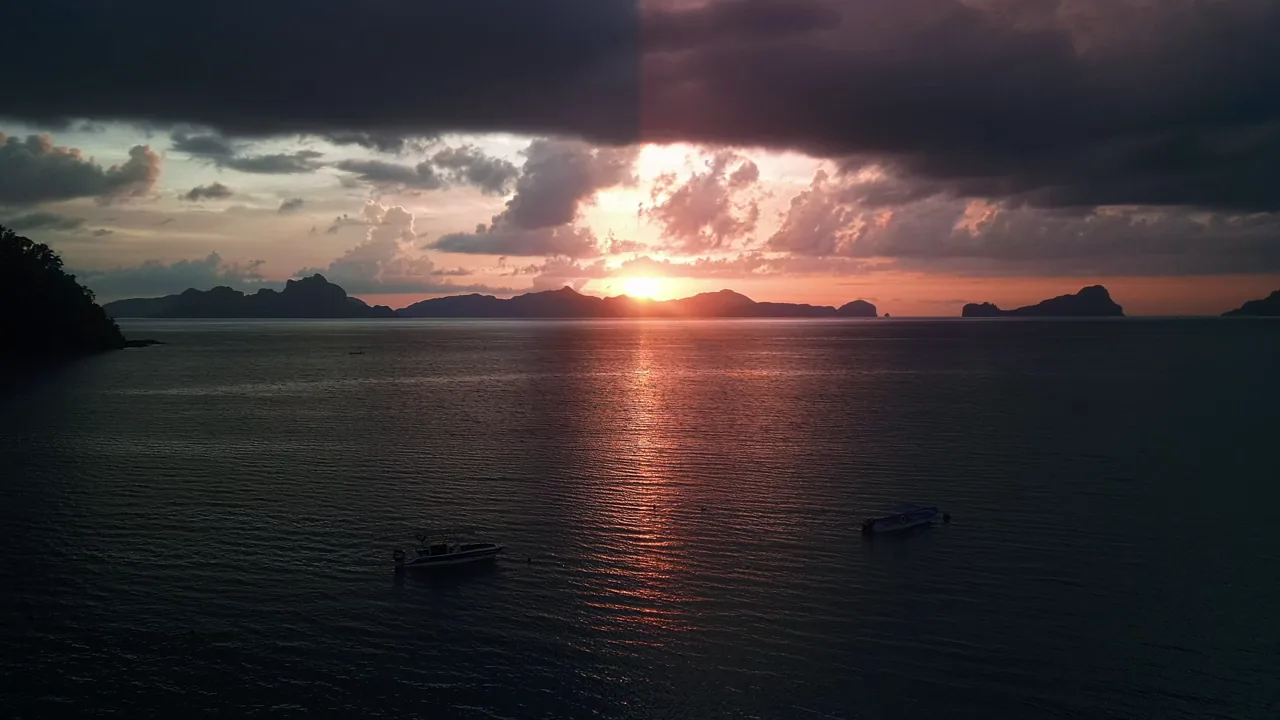
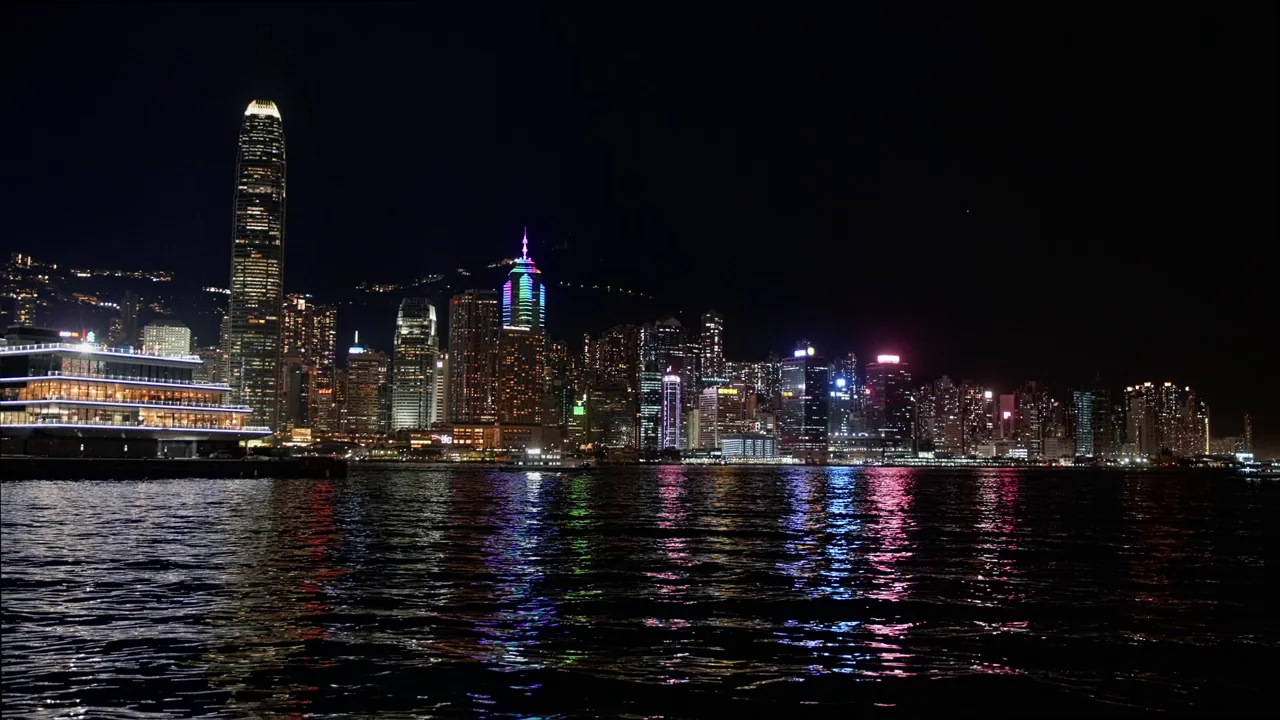
It adds a glow after any text, image or video. The glow is added in linear light and fades with distance the way real light does: tight near the source, soft far away. Small shapes and dark features keep their edges, even when the glow is pushed hard, and the output is dithered so the halo stays smooth on dark backgrounds.
Which controls does it have?
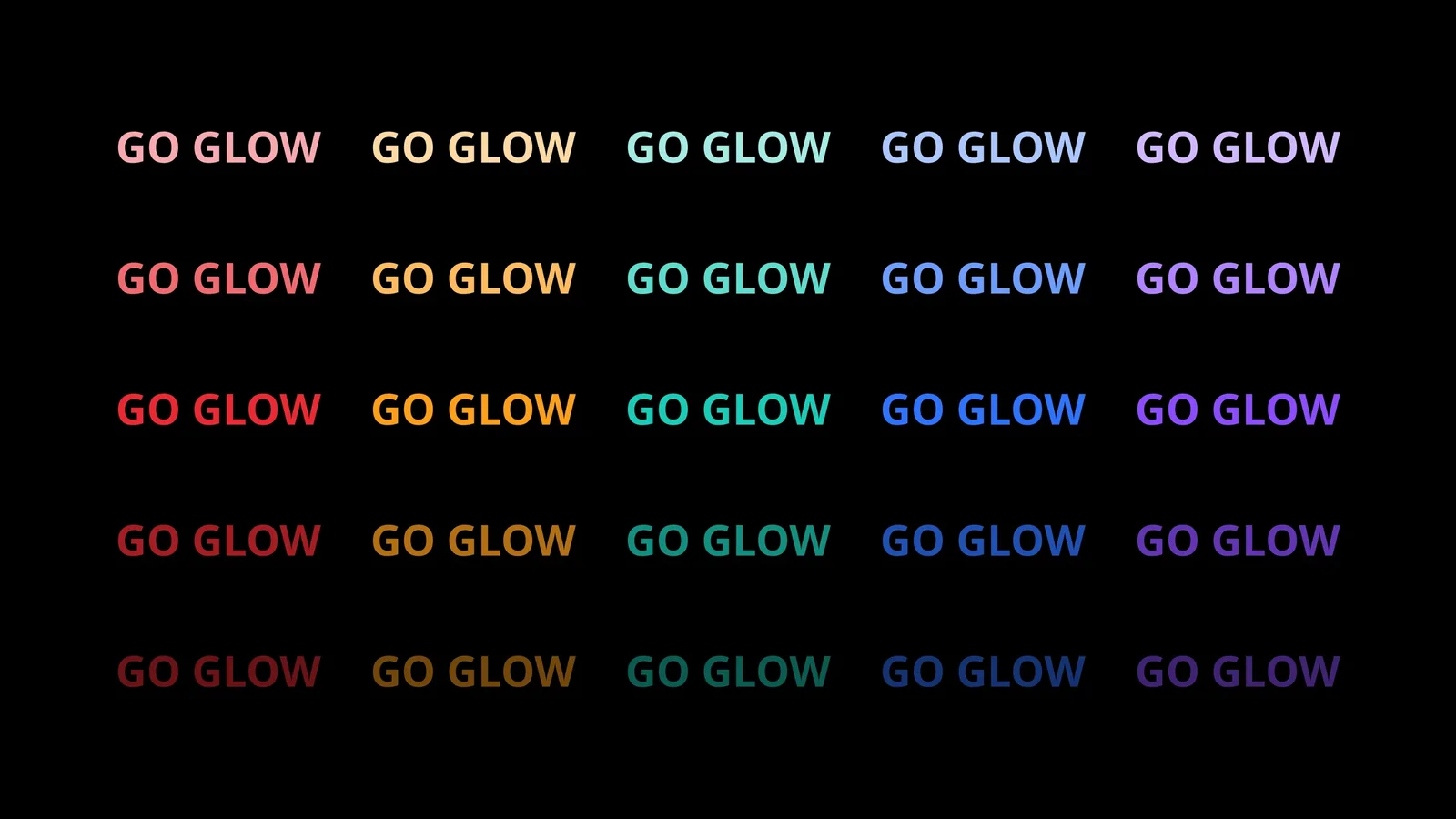
Glow sets the size and the strength together, from 0 to 100. Light Source chooses how much of the picture is bright enough to glow. Color tints the light. Pulse makes it breathe and Flickering makes it falter, like a tube losing voltage. There is nothing to calibrate: how a glow spreads and falls away is set once, measured against real light.
What machine do I need?
Windows and DaVinci Resolve, which is sold separately by Blackmagic Design. Go Glow is tested with DaVinci Resolve Studio; the free version has not been tested. On NVIDIA graphics cards Go Glow renders on the GPU with CUDA, currently enabled for DaVinci Resolve 21.1. Everywhere else it uses a multi-threaded CPU path, so it still works.
Does it work on Mac or Linux?
No. Go Glow is for Windows only.
Can I turn the GPU off?
Yes, and Go Glow then uses your processor. Open a Windows terminal, type setx GOGLOW_CUDA 0, then restart DaVinci Resolve. To go back, type setx GOGLOW_CUDA auto and restart it again.
How much is it?
€35, once. The first 30 licenses are €25. There is no subscription.